
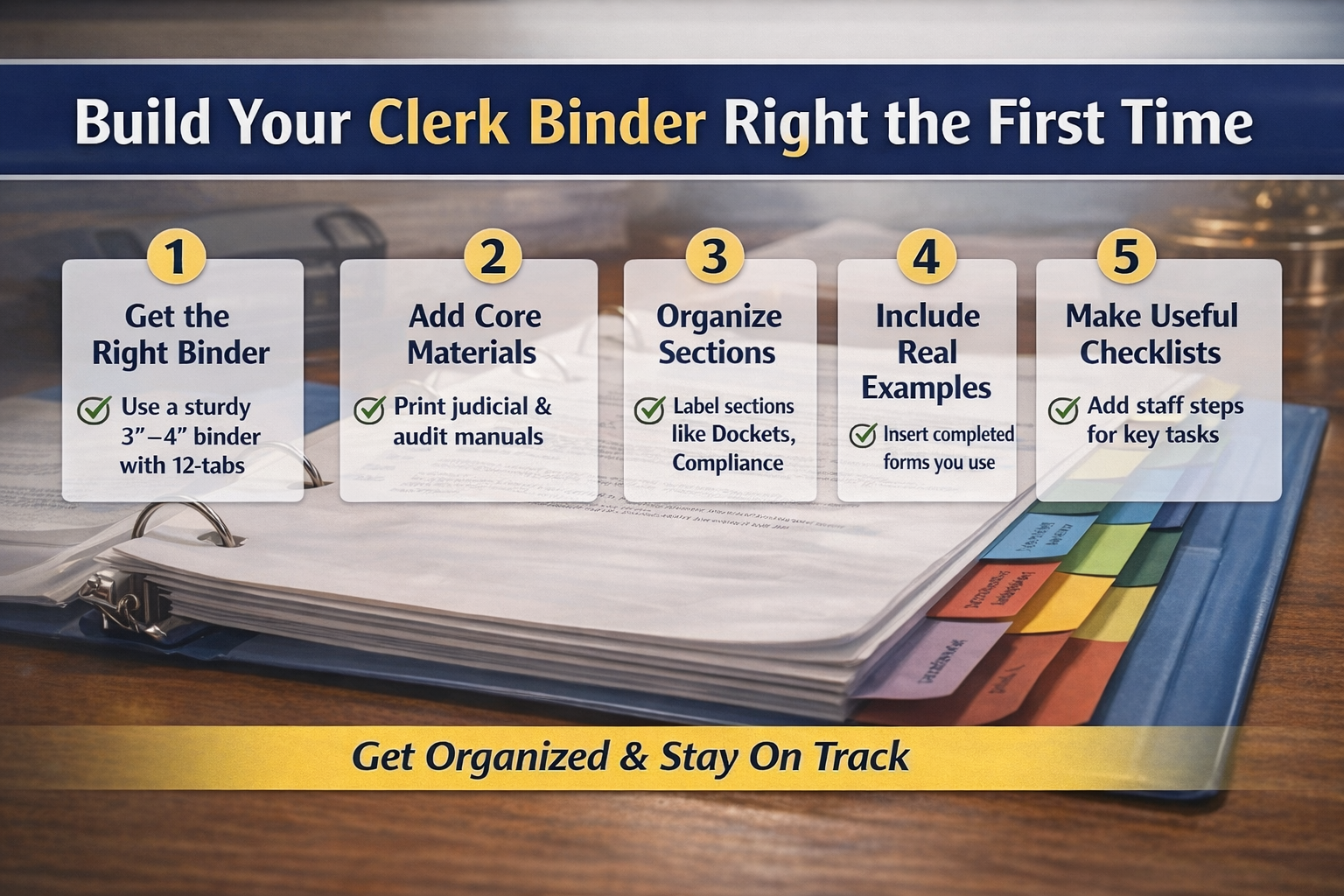
What to Add to Your Binder Sections
1. Add a “Quick Reference” Section (Front of Binder)
This is huge for day-to-day use.
Create a front section with:
- Court schedule (arraignment, trial, compliance)
- Judge / prosecutor / PD contact info
- DPS / key state contacts
- Common deadlines (DUI reporting, abstracts, notices)
👉 This becomes your flip-open-and-find-it-fast section.
2. Include Real Forms (Not Just Blank Ones)
Don’t just store templates—add completed examples:
- Sample abstract
- Sample final order
- Sample motion
3. Add a “Problem Notes” Section
This is one of the most valuable sections long-term.
- Write down situations that confused you
- Note how they were handled
- Add any follow-up or correction
👉 Over time, this becomes your personal training manual.
4. Create a “Checklist” Tab
Examples:
- DUI non-adjudication steps
- Trial day prep
- Compliance handling
5. Add a “Common Mistakes” Page
One page. Simple. Powerful.
Examples:
- Not docketing everything
- Missing deadlines
- Filing in wrong case
👉 This prevents errors before they happen.
6. Section for Local Court-Specific Procedures
This is where your binder becomes your court’s system:
- How your judge prefers things done
- Local policies (continuances, compliance, payments)
- Internal workflows
👉 Manuals don’t cover this—this is where clerks struggle the most.
7. Add a “Contacts & Who to Call” Page
Break it down by function:
- Law enforcement contacts
- Prosecutor’s office
- Public defender
- DPS / state agencies
- IT / software support
👉 When something breaks or goes wrong, this saves time immediately.
8. Digital Backup (Quiet but Critical)
Add a short section:
- Scan key documents
- Save to secure court drive
- Keep organized folders matching your binder tabs
👉 Paper is great—but digital can go everywhere with you!
9. Binder Maintenance
- Clean out outdated materials periodically
- Replace forms when updated
- Keep it current—not overloaded
👉 A messy binder becomes useless fast.
0