From day one in this field, I’ve always believed this:
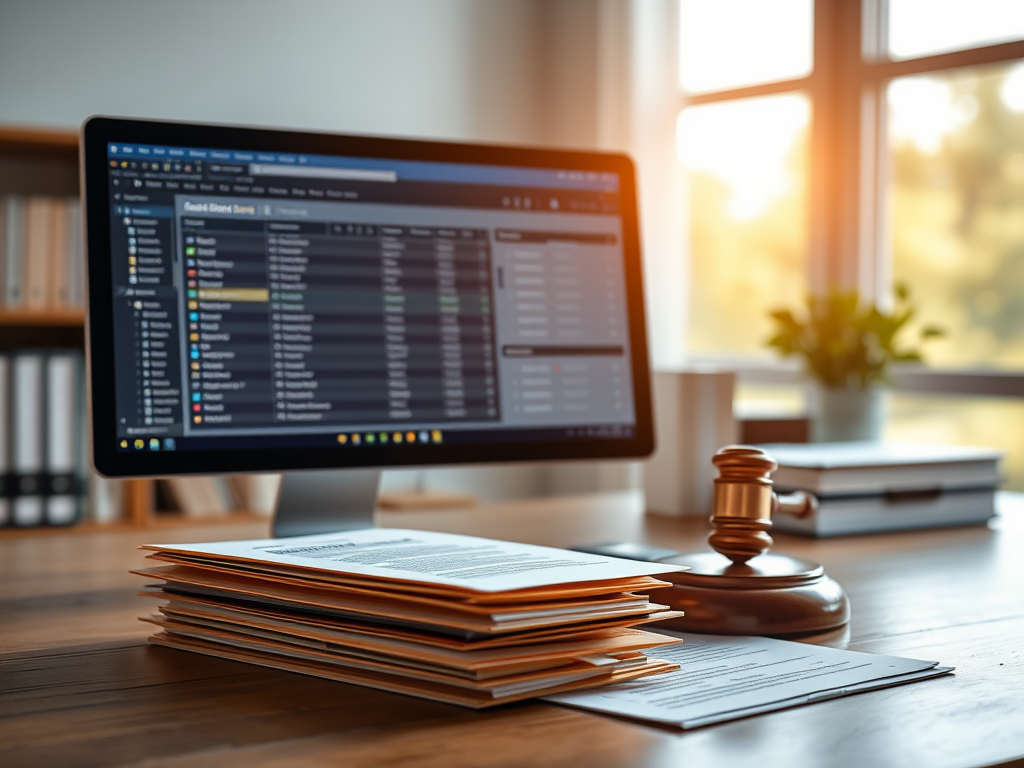
You should be able to hand your computer file or your paper file to someone who has no knowledge of the court system, and they should be able to read it from start to finish and clearly understand what happened.
Your case management system, your case file, and your court docket should all tell a story—and they should all tell the same story.
One of the most important habits a clerk can develop is making sure that the paper file and the computer file match each other as closely as possible.
If your court uses both a physical file and a case management system, one should not tell a different story than the other.
They should match.
The reason is simple: we are not in the business of guessing.
Everything in the clerk’s office should be done in a way that is accurate, consistent, and clear enough that no one has to wonder what happened in a case.
When you are setting up your filing system—or if you ever get the opportunity to improve or rebuild it—think beyond yourself.
Think about the times when:
- you are not the one working the case
- you are not the one in the courtroom with the judge
- you are not the one answering the phone or pulling the file
- you are not the one explaining what happened
Your goal should be for the next person handling that case to have the same information you would have.
If something is scanned into the computer system but never placed in the paper file, or if something is in the paper file but never entered into the system, you have created a gap.
And gaps create confusion.
For example, if an entry of appearance is scanned into the system but never placed in the paper file, then the person holding the paper file may have no way of knowing who the attorney of record is—especially if they do not have access to the computer system.
The same goes for court settings.
If you schedule a new arraignment, plea date, trial date, or review date in the case management system and everything is entered correctly there, but you do not make the paper file reflect that same setting, then the judge or prosecutor reviewing the paper file may not have that information in front of them.
That is how avoidable confusion starts.
The more thorough and consistent you are, the less room there is for mistakes.
Make one match the other.
Docket Notes Matter
This applies not only to documents and court settings, but also to docket notes in your case management system.
Good case notes are extremely important.
Sometimes what seems like a small detail at the time may become very important later.
For example, if a defendant calls and says they are sick and will be sending in a doctor’s excuse to request a continuance, that needs to be noted in the case record or in the appropriate notes section of your software.
At that moment, it may not seem like a big deal.
But later, the judge may want to know:
- whether the defendant contacted the court
- when they contacted the court
- what reason they gave
- whether they had made similar requests before
If that information was never noted, then the only people who know it are the clerk who took the call and the defendant.
That is not good enough.
If it matters, note it.
If it affects the case, docket it.
If it helps explain what happened, preserve it.
Final Thought
A good filing and docketing system should not depend on one person’s memory.
It should be organized in a way that allows anyone reviewing the case—whether it is another clerk, the judge, the prosecutor, or a future employee—to understand what happened without having to guess.
Accuracy. Consistency. Clarity.
That is what good docketing looks like.
 The Clerk’s Desk
Leave a comment